How to Set Up Pre-Registration for Office Visitors
"Visitor pre-registration streamlines office entry by collecting guest information and signed documents before arrival. This guide explains how to configure automated invites, digital NDAs, and check-in enforcement to ensure security and operational accuracy. By moving from manual logs to a unified workplace system, facilities teams gain audit-grade data on actual office occupancy. "

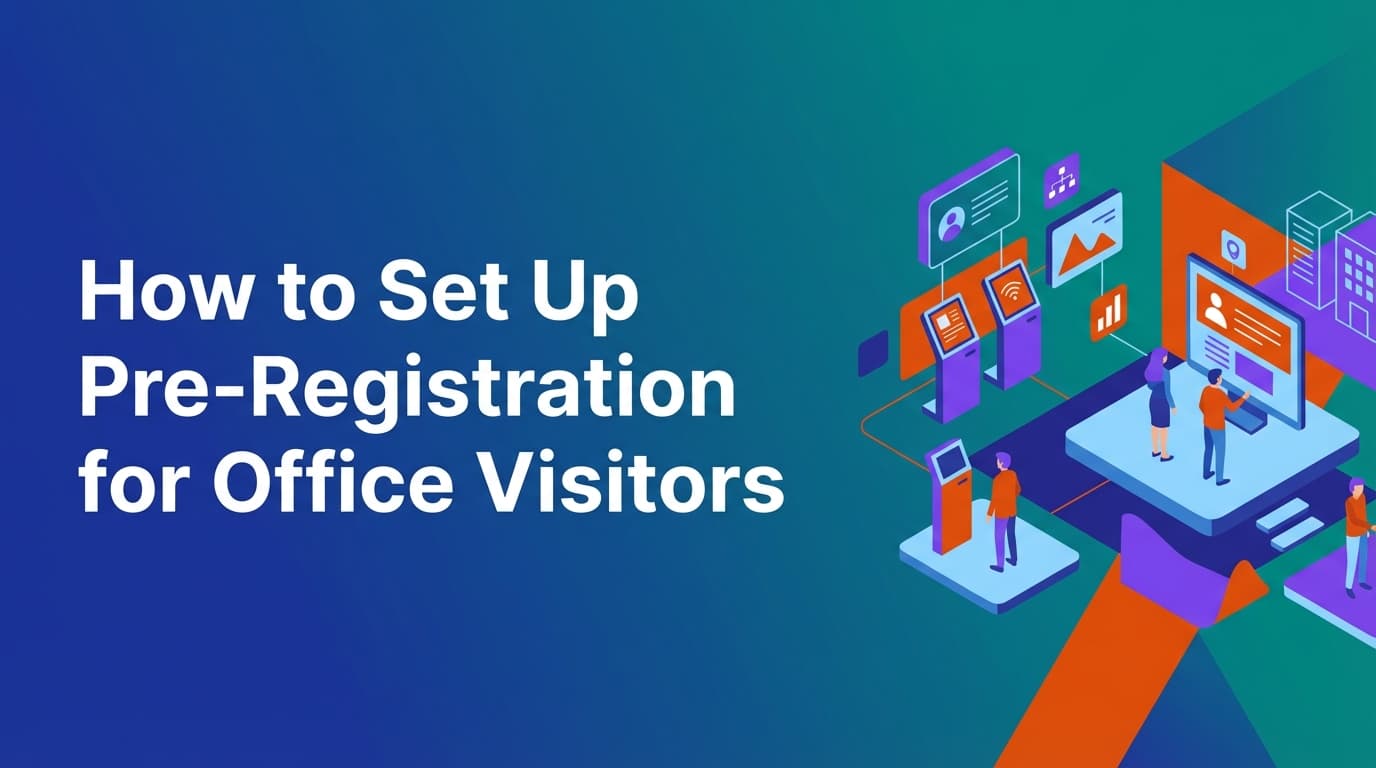
Visitor pre-registration is the process of collecting guest information, legal acknowledgments, and arrival details before a visitor reaches the front desk. Unlike traditional paper logs or standalone kiosks, effective pre-registration uses a unified workplace data model to connect the visitor to a host, a specific resource like a meeting room, and a set of security policies. This approach reduces check-in time to seconds and ensures that every person in the building is accounted for in an audit-grade system of record.
This guide explains how to implement a pre-registration workflow that enforces workplace policies and generates reliable utilization data.
Why is visitor pre-registration important for workplace operations?
Traditional visitor management often relies on "calendar assumptions." A host invites a guest via Outlook or Google Calendar, and the office assumes that person will arrive. However, calendar invites are not operational data. They do not tell you if the visitor signed the required NDA, if they actually entered the building, or how long they stayed.
Pre-registration closes this gap by turning an invite into an executable set of rules. When a guest is pre-registered, the system can automatically:
- Verify the host’s identity and permissions via SCIM or SSO.
- Send a digital NDA or health safety form for completion before arrival.
- Generate a unique QR code that only works when the guest checks in at the correct location.
- Cross-reference the visit with meeting room availability to prevent double-bookings.
Because WOX uses a unified operational system, visitor data is not siloed. It lives in the same data model as desk bookings and room reservations. This means if a visitor is coming for a meeting in Room A, the system knows that Room A is occupied by both an internal host and an external guest, providing a complete picture of total occupancy.
Where traditional visitor management tools fall short
Most visitor management software operates as a point solution. It handles the "front desk experience" but ignores the broader workplace infrastructure. This leads to several operational failures:
- Lack of check-in enforcement: Many systems mark a visitor as "checked in" as soon as the host clicks a button, or they rely on the host to remember to sign them out. Without enforced check-in at a kiosk or via a mobile app, the data is useless for security audits.
- Disconnected resource logic: If a visitor needs a temporary desk or a parking spot, traditional tools often require a separate booking. A unified system treats a visitor as a person who needs resources, allowing the host to book a room, a desk, and a visitor pass in one workflow.
- Manual policy application: In many offices, the front desk staff must manually check if a visitor has signed the correct documents or if they are on a restricted list. This creates friction and increases the risk of human error.
- Rigid spatial modeling: Most tools cannot handle complex office layouts. If you change a floor plan or move the reception area, you often need to contact a vendor or update CAD files.
How to set up a visitor pre-registration workflow
Setting up pre-registration requires aligning your digital tools with your physical security requirements. Follow these steps to build a workflow that prioritizes operational truth.
1. Define your visitor types and access policies
Not all visitors are the same. A delivery driver, a job candidate, and a long-term contractor require different levels of scrutiny.
- Standard Guests: Require an NDA and host notification.
- Contractors: May require safety briefings or valid certificates of insurance.
- Service Providers: Might only need access to specific zones like a loading dock or mailroom.
Because WOX is resource-agnostic, you can model these different visitor types and assign them unique rules. For example, a "Contractor" resource might have a different check-in window than a "Client" resource.
2. Configure the host invitation process
Pre-registration should begin where the work begins: the calendar. However, the calendar shouldn't be the final word. When a host adds an external email address to a meeting, the workplace system should trigger a pre-registration request.
In a unified system, this trigger checks the host’s permissions. If the host is not authorized to invite visitors to a specific high-security floor, the system can block the invite or flag it for approval. This happens automatically because the policy engine is built into the core of the platform.
3. Automate document distribution and collection
The biggest bottleneck at the front desk is document signing. To fix this, set up an automated email or SMS that goes out 24 to 48 hours before the visit.
- Include a link to a digital NDA or security policy.
- Use conditional logic: if they’ve signed a document in the last six months, they don’t need to sign it again.
- Store the completed document as part of the visitor’s profile for easy retrieval during an audit.
4. Implement QR code-based check-in
Once a visitor completes their pre-registration, they should receive a "Fast Pass" QR code. This code is the bridge between the digital invite and the physical office. When the visitor arrives, they scan the code at a kiosk. The system immediately verifies:
- Is the visitor here at the right time?
- Has the NDA been signed?
- Is the host currently checked into the office? (If the host is a no-show, the system can prevent the visitor from checking in).
5. Establish check-out and duration tracking
Operational truth requires knowing when people leave, not just when they arrive. You can enforce check-out by:
- Requiring a QR scan to exit.
- Setting an auto-check-out time based on the scheduled meeting end.
- Sending a reminder to the host to confirm the guest has departed.
How does pre-registration improve workplace security?
Security is about more than just a name on a list; it is about verifiable data. Pre-registration provides a proactive security layer that manual logs cannot match.
Verified identity and watchlists
By collecting information early, security teams can run visitor names against internal watchlists or third-party screening services. If a match is found, the system can silently alert the security team or prevent the QR code from being issued. This moves security from a reactive "denial at the door" to a proactive "denial before arrival."
Audit-grade data for compliance
In regulated industries, knowing exactly who was in the building at a specific time is a legal requirement. Because WOX uses a single data model for all workplace activities, your visitor logs are directly tied to your building's occupancy data. If an auditor asks who was on the third floor last Tuesday at 2:00 PM, you can provide a report that includes employees, contractors, and pre-registered visitors, all verified by check-in timestamps.
Policy enforcement without friction
Most security policies fail because they are too hard to follow. Pre-registration makes compliance the path of least resistance. If a visitor cannot enter the building without a pre-signed NDA, they will sign the NDA. The system enforces the rule so the receptionist doesn't have to play the role of an enforcer.
What is the role of spatial modeling in visitor management?
Most systems treat the "office" as a single entity. In reality, offices are complex environments with different zones. Some areas are public, some are for employees only, and some are high-security labs.
With self-service spatial modeling, operations teams can define exactly where visitors are allowed to go. If you move the visitor lounge from the lobby to the second floor, you can update the spatial model in the system without needing a developer. The pre-registration invite will automatically update with the new directions and floor-specific instructions.
This resource-agnostic approach means you can also manage things like:
- Visitor Parking: Assign a specific stall during the pre-registration process.
- Temporary Lockers: Provide a locker code upon check-in.
- Wi-Fi Access: Generate a unique, time-bound guest password once the QR code is scanned.
How to handle recurring visitors and enterprise governance
In a large organization, you often have "trusted visitors"—vendors or partners who come to the office frequently. Treating them like first-time guests every time is inefficient.
Multi-location governance
For enterprises with offices in multiple cities, visitor policies must be consistent but flexible. You might require a background check for visitors in your New York headquarters but only a standard NDA in your London office. A unified system allows you to set global governance rules while delegating local configuration to regional facilities managers. This is handled through role-based access controls (RBAC) and SCIM integration, ensuring that as people join or leave the company, their ability to host visitors is automatically updated.
Reliable calendar sync
One of the biggest frustrations in visitor management is when a meeting is moved or canceled, but the visitor still shows up because the system didn't sync. WOX handles recurrence, edits, and cancellations at scale. If a host moves a meeting from Wednesday to Thursday, the visitor’s pre-registration link and QR code are automatically updated. If the meeting is canceled, the visitor’s access is revoked instantly.
Best practices for visitor pre-registration
To get the most out of your visitor management system, follow these operational best practices:
- Keep it brief: Only ask for the information you actually need. Every extra field in a pre-registration form increases the likelihood that a guest will skip it.
- Test the mobile experience: Most visitors will interact with their pre-registration invite on a phone. Ensure the NDA is readable and the QR code is easy to find.
- Use clear signage: Even with a QR code, visitors need to know where to go. Place your check-in kiosks in highly visible locations.
- Train your hosts: The system only works if hosts use it. Make sure employees understand that pre-registering their guests is a security requirement, not just a convenience.
- Monitor utilization, not just bookings: Look at the data to see how many pre-registered visitors actually show up. If you have a high "no-show" rate for visitors, you may be over-allocating meeting room space.
Moving from "booking" to "operating"
Setting up pre-registration is not just about sending an email. it is about creating a reliable system of record for everyone who enters your workplace. By moving away from calendar-based assumptions and toward a unified operational model, you gain the ability to enforce policies, secure your space, and understand how your office is actually being used.
The goal is operational truth. When your visitor data is as reliable as your financial data, you can make better decisions about your real estate, your security, and your team's needs.
Learn more about Visitor Management Guide
For comprehensive guidance, see our guide on visitor management and front desk solutions.
Want to learn more about Visitor Management?
Explore our complete guide with more articles like this one.