How to Identify Underutilized Spaces and Repurpose Them Effectively
"Underutilized office space costs organizations thousands in wasted rent and utilities. To fix this, workplace teams must move beyond calendar data to track actual check-ins and real-time occupancy. This guide explains how to identify 'ghost' bookings, analyze true utilization patterns, and use self-service modeling to repurpose empty desks into high-value collaborative zones. "

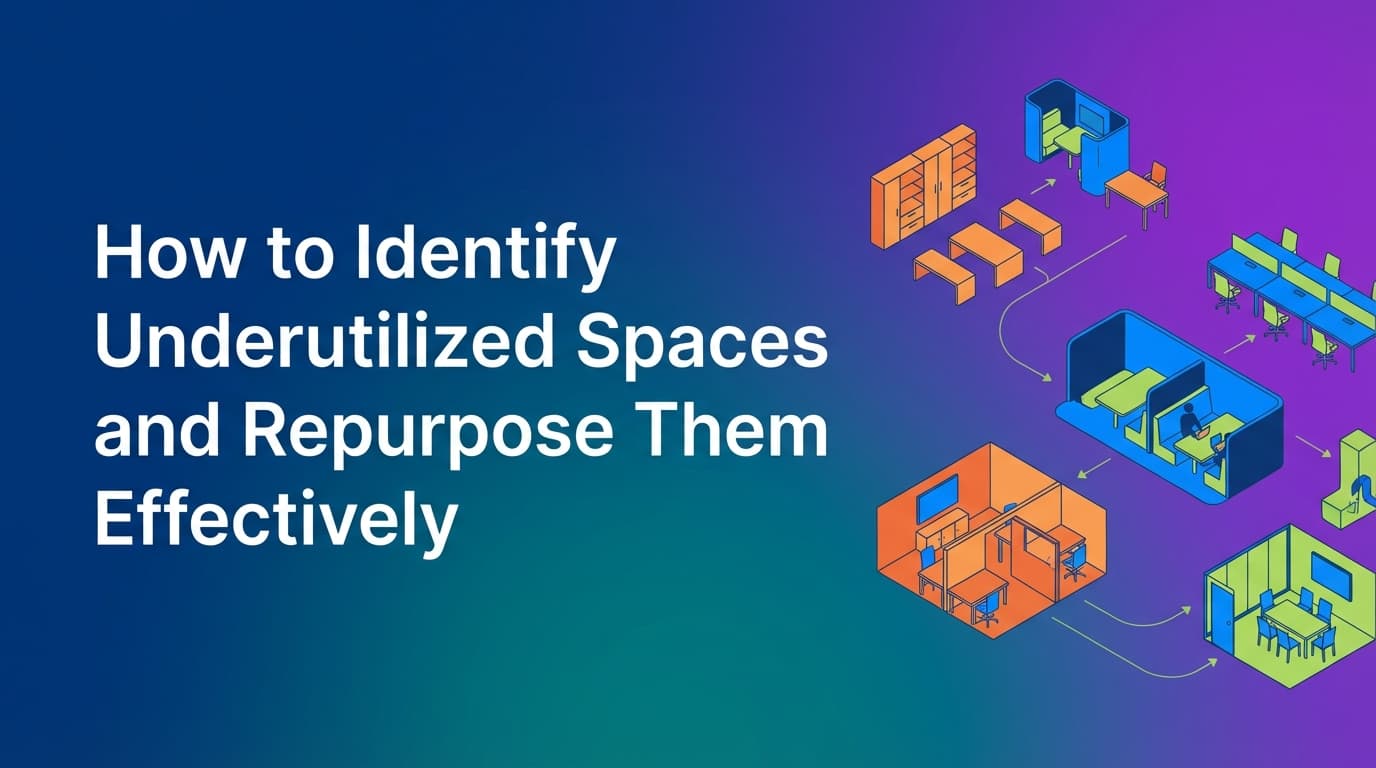
Identifying underutilized office space is the first step toward reducing real estate costs and improving the employee experience. Many organizations struggle with this because they rely on "ghost bookings"—scenarios where the calendar says a room is full, but the space is actually empty. By using a unified operational system that enforces check-ins, workplace teams get a true view of how employees use the office. This guide explains how to move from guesswork to audit-grade data when repurposing your floor plan to meet the demands of a hybrid workforce.
Why is underutilized office space so hard to find?
Most workplace leaders look at two data points: badge swipes and calendar invites. Both are misleading.
Badge swipes tell you that an employee entered the building, but they don't tell you where that person spent their day. An employee might badge in at 9:00 AM and spend six hours in a coffee shop down the street or tucked away in a corner of the cafeteria. The badge data suggests the office is "used," but it doesn't help you understand if your desk rows are sitting empty.
Calendar data is even less reliable. Employees often book "recurring" meetings that they forget to cancel, or they reserve desks "just in case" they decide to come in. This creates a "phantom occupancy" problem. On paper, your office is at 90% capacity. In reality, your facilities team walks the floor and sees a sea of empty monitors.
Because WOX operates as a unified system where the policy engine and the data model are one and the same, it eliminates this ambiguity. Instead of assuming a booking equals usage, the system requires a physical or digital check-in. If the check-in doesn't happen, the resource is released. This creates a data set based on operational truth, not human intent.
How can you track real office utilization?
To identify space you can actually get rid of or repurpose, you need to measure three specific metrics: the peak utilization rate, the average dwell time, and the "no-show" rate.
Peak utilization vs. average occupancy
Average occupancy is a vanity metric. If your office is 20% full on Mondays and 90% full on Wednesdays, your average is 55%. If you make real estate decisions based on that 55%, you will have a crisis every Wednesday when people are fighting over desks. You need to identify the peak. If your peak never crosses 60%, you have a clear opportunity to consolidate floors or repurpose entire wings of the building.
Tracking check-ins, not reservations
Real utilization tracking requires a check-in loop. When an employee reserves a desk, they should be required to verify their presence—either through a QR code scan, a geofence, or a manual check-in on a mobile app. When you implement a policy that auto-releases a desk after 20 minutes of no-show, you stop "squatting." The data generated from these releases tells you exactly how much "waste" exists in your current booking culture.
Analyzing multi-modal usage
People use different spaces for different logic. A desk might be booked for a full day, while a phone booth is used for 30-minute slots. Traditional tools often struggle to model these different behaviors in one view. WOX uses resource-agnostic modeling, meaning it treats a parking spot, a standing desk, and a laboratory bench with the same logic. This allows you to see utilization across every asset class in the office simultaneously.
Where do traditional booking tools fall short in space planning?
Most desk booking software was built as a "layer on top" of a calendar like Outlook or Google. This creates several structural failures for facilities teams:
- The Sync Gap: When a user deletes a meeting in Outlook, the room booking system doesn't always receive the update instantly. This leads to double bookings or rooms that stay "locked" even though the meeting was canceled.
- Lack of Policy Enforcement: Traditional tools are "suggestions," not rules. If a policy says "no more than three days of bookings per week," a calendar-based tool usually can't stop a user from just making a fourth appointment.
- Rigid Resource Types: Most tools are hardcoded for "Desks" and "Rooms." If you want to track the utilization of a specialized 3D printer, a company car, or a specific zone of "soft seating," you have to "hack" the system to make it work.
- Vendor Dependency: When you want to change your floor plan—perhaps turning ten desks into two lounge areas—most legacy systems require you to send a CAD file to the vendor and wait two weeks for an update.
Because WOX allows for self-service spatial modeling, the workplace team can change the layout in the system the moment the furniture moves. This agility is necessary for testing new space types without committing to a permanent architectural change.
How to repurpose underutilized space effectively
Once the data shows that a specific zone is consistently under-used (for example, a row of desks that never sees more than 10% occupancy even on peak days), you can begin the repurposing process.
Step 1: Validate the "Why"
Before removing desks, look at the data to see if the space is underutilized because it’s poorly located or poorly equipped. Are the desks too far from the kitchen? Is the Wi-Fi spotty in that corner? If the infrastructure is fine but the desks are empty, it’s a candidate for repurposing.
Step 2: Model the new resource
Use your management dashboard to "decommission" the desks. In WOX, this doesn't require a developer. You simply select the resources and change their state. You can then model the new space. If you are turning a desk bank into a "Project War Room," you define the new capacity, the booking rules (e.g., "minimum 4 people"), and the equipment available (e.g., "whiteboard, 65-inch monitor").
Step 3: Implement multi-modal booking logic
Not every space should be booked the same way. You might want:
- Shared zones: First-come, first-served for "free time" during the day.
- Exclusive zones: Reserved for specific departments (like HR or Finance) that handle sensitive data.
- Merged resources: A large room that can be booked as one unit or divided into two smaller units.
WOX handles these complex overlaps because it uses a unified data model. If you book "Room A+B," the system automatically blocks "Room A" and "Room B" from being booked individually. This prevents the scheduling conflicts that plague manual or calendar-only systems.
What types of new spaces should you create?
The data from 2024 and 2025 suggests that the "sea of desks" is dying. Employees come to the office for things they can't get at home: deep collaboration and high-end equipment.
Neighborhoods and team anchors
Instead of individual desks, create "neighborhoods." These are zones assigned to specific teams. Because WOX supports SCIM and role-based controls, you can set a policy where only the Marketing team can book in the "Marketing Anchor" zone on Tuesdays and Wednesdays. This ensures that when people commute, they actually sit near their colleagues.
High-focus pods
If your data shows that phone booths are always at 100% utilization while large conference rooms are at 20%, you have a "scale mismatch." People are likely taking 1-on-1 Zoom calls in 12-person boardrooms. Repurpose one large boardroom into four individual focus pods.
Library zones
Many employees struggle with the noise of an open-plan office. "Library zones" are spaces where talking and phone calls are prohibited. You can enforce this by setting the "Resource Type" in your system to include a "Quiet Zone" tag, which triggers a notification to the user upon booking, reminding them of the noise policy.
What are the best practices for continuous space optimization?
Space optimization is not a one-time project. It is a cycle of measurement and adjustment.
- Set an audit schedule: Review your utilization reports every 90 days. Look for "declining" zones.
- Enforce the check-in: Reliable data is impossible without enforcement. If you don't require check-ins, your data is just a collection of guesses.
- Use granular permissions: Use enterprise governance to give local office managers the power to tweak their own floor plans while maintaining a unified data model at the global level. This allows a London office to experiment with "standing-only" zones while the New York office sticks to traditional seating.
- Automate the "Clean Up": Use reliable calendar sync to ensure that if an employee leaves the company (detected via SCIM/HRIS integration), all their future bookings are instantly purged across all locations. This prevents "zombie bookings" from cluttering your availability.
Moving from assumptions to operational truth
The goal of identifying underutilized space is to make the office a tool that supports work, rather than a fixed cost that drains resources. When you move away from calendar assumptions and toward a system that tracks real usage, you gain the confidence to make big real estate moves.
You might find that you don't need a third floor at all. Or you might find that you need twice as many small huddle rooms. The only way to know is to use a system that treats workplace operations as infrastructure—built on rules, enforcement, and reliable data.
To begin optimizing your layout, start by auditing your "no-show" rate for the last 30 days. This single number will tell you exactly how much "ghost space" you are currently paying for.
Learn more about Hybrid Work Guide
For comprehensive guidance, see our guide on hybrid work strategies and implementation.
Want to learn more about Hybrid Work?
Explore our complete guide with more articles like this one.