How to Improve Employee Experience in a Hybrid Workplace
"Employee experience in a hybrid workplace improves when office attendance is predictable and resources are guaranteed. This guide explains how to eliminate the 'commute of regret' by using check-in enforcement, unified policy engines, and resource-agnostic booking to create a reliable office environment. "

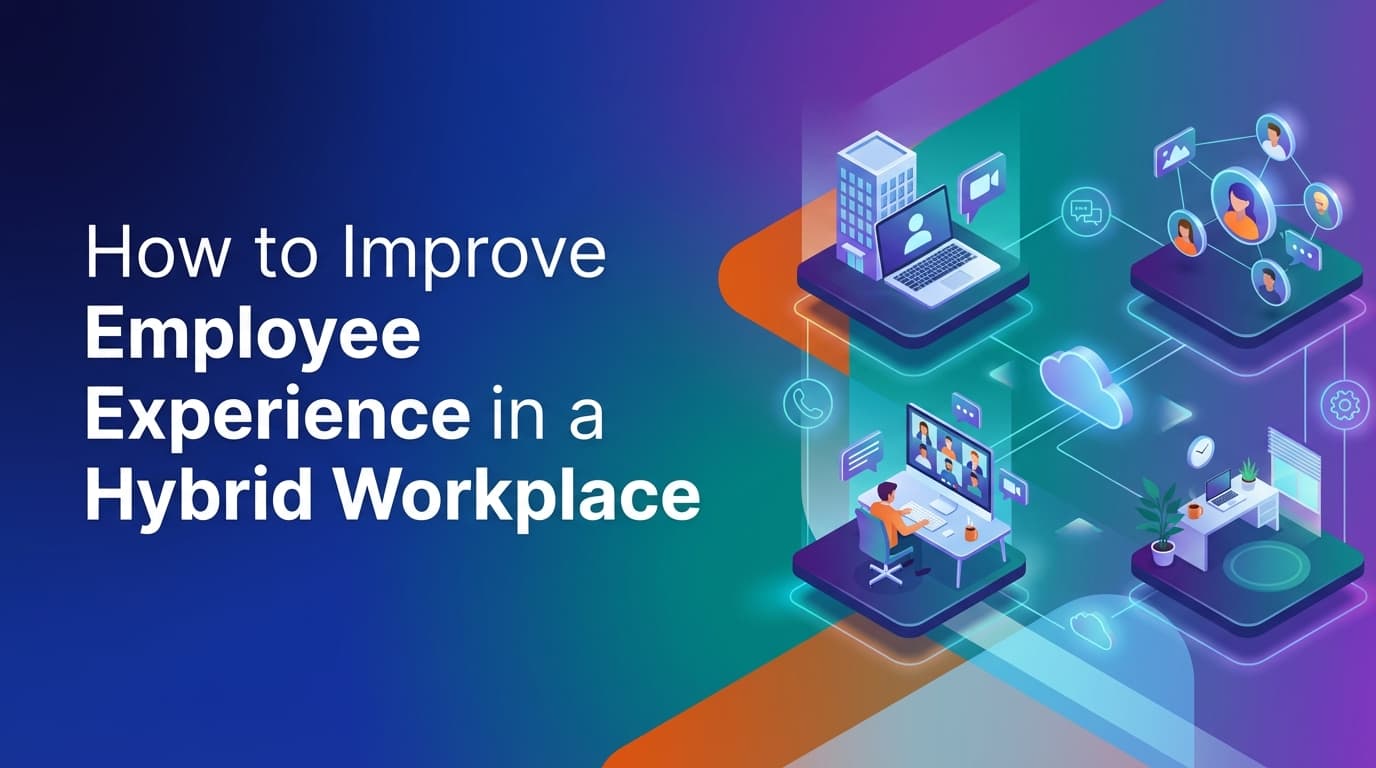
Improving employee experience in a hybrid workplace requires moving beyond simple desk reservations to a system of operational certainty. When employees decide to commute, they need to know their desk is available, their teammates are nearby, and the necessary meeting rooms are functional. Because WOX uses a unified operational system, these requirements are handled by a single policy engine that enforces check-ins and tracks real usage. This guide examines how to build a workplace that works for people by focusing on operational truth rather than calendar assumptions.
Why is the hybrid employee experience often frustrating?
The primary driver of a poor hybrid experience is the "commute of regret." This happens when an employee travels to the office only to find that the desk they booked is occupied by someone else, their team is actually working from home, or every meeting room is "booked" on the calendar but physically empty.
Most organizations try to solve this with basic calendar plugins or lightweight booking apps. These tools fail because they rely on the honor system. They assume that if a person puts a block on a calendar, they are actually in the building. When reality deviates from the calendar, the data becomes useless for facilities teams, and the experience becomes unpredictable for employees.
A reliable workplace requires a shift from "booking" to "utilization." If a system cannot verify that a person actually used the resource they reserved, it cannot provide a dependable environment for the rest of the workforce.
How do you ensure employees always have a place to work?
To improve the experience, the office must be a guaranteed resource. This starts with reliable calendar sync and multi-modal booking logic. In a unified system, the software handles recurrence and edits at scale, ensuring that a "permanent" Tuesday booking doesn't conflict with a one-off department meeting.
Operational certainty is achieved through three specific mechanisms:
- Check-in enforcement: If an employee does not check into their desk by 10:00 AM, the system automatically releases that resource back into the pool. This prevents "ghost bookings" from making the office look full when it is actually half-empty.
- Resource-agnostic modeling: Employees need more than just desks. They need lockers, parking spots, monitors, or even lab equipment. When these are modeled as individual resources with their own capacity and rules, the employee can book everything they need for their workday in one workflow.
- Policy-based availability: Instead of manual approvals, use executable rules. For example, a policy might state that the Marketing team has exclusive access to Zone A on Wednesdays. The system enforces this automatically, so employees don't have to guess where they are allowed to sit.
What is the role of check-in enforcement in office culture?
Many leaders worry that enforcing check-ins feels like "micromanagement." In reality, it is a service to the rest of the team. When someone books a room and doesn't show up, they are effectively stealing that space from a colleague who might be wandering the halls looking for a place to take a call.
Check-in enforcement provides the "operational truth" needed to manage a building. When you have audit-grade data on who is actually in the building, you can make informed decisions about coffee catering, HVAC settings, and long-term real estate needs. For the employee, it means the app they use to find a desk actually reflects the physical reality of the floor.
Where do traditional booking tools fall short?
Traditional booking tools are often "point solutions" that sit on top of a calendar. They are not built to handle the complexity of enterprise workplace operations. They fall short in three specific areas:
The gap between calendar and reality
Most tools show a desk as "unavailable" if there is a calendar entry. They have no way of knowing if the person is actually there. This leads to a "broken" map where employees see a full office on their screen but walk into a ghost town.
Rigid resource types
Many systems are hardcoded to "desks" and "rooms." If an operations team wants to start managing bike racks or height-adjustable desks specifically, they often have to buy a new module or use a workaround. Because WOX is resource-agnostic, any asset with availability and capacity can be modeled and managed under the same policy engine.
Manual spatial updates
When a company reorganizes a department, the facilities team usually has to wait for a vendor to update a CAD file or a map. This delay means the booking tool is inaccurate for weeks. Self-service spatial modeling allows the ops team to change layouts and move teams in the software instantly, ensuring the employee experience matches the new office reality on day one.
How can you use data to improve the office layout?
Employee experience is also a product of how well the office layout matches actual work habits. If your data shows that 4-person meeting rooms are always at 100% utilization while 20-person boardrooms are at 5%, you have a spatial mismatch.
By tracking real usage—not just bookings—you can identify these patterns. A unified data model allows you to see the entire lifecycle of a workplace activity. You can see that employees in the Engineering department tend to book desks for full days but only use meeting rooms for 30-minute increments.
With this information, the facilities team can use self-service modeling to convert underutilized large rooms into several smaller "huddle" spaces. Because the system is unified, the new resources immediately inherit the correct policies and become available for booking without a complex setup process.
How do you implement enterprise governance without friction?
A common friction point for employees is the "permission denied" screen. This usually happens because the booking tool's permissions are out of sync with the company's HR directory.
To solve this, workplace infrastructure must be built with enterprise governance at the core. This includes:
- SCIM provisioning: When an employee joins or leaves the company, their access to office resources is updated automatically.
- Role-based controls: Different groups can have different rules. For example, executives might have "always-on" booking rights, while contractors are limited to specific zones or days.
- Multi-location governance: If an employee from the London office visits the New York office, the system should recognize their role and apply the appropriate "visitor" booking policies automatically.
When these controls are built into the core data model, the employee never has to "request access" to a desk. The system knows who they are and what they are allowed to do, making the experience invisible and efficient.
What are the best practices for a successful hybrid rollout?
If you are transitioning to a more structured hybrid model, follow these steps to ensure the employee experience remains the priority:
Define your operational rules first
Decide on your "check-in window." Most companies find that 15 to 30 minutes is the right balance between flexibility and efficiency. Ensure these rules are communicated as a way to keep the office available for everyone.
Model the office accurately
Don't just upload a flat image. Use spatial modeling to create a digital twin where desks are grouped by team or equipment (e.g., "Dual Monitor Zone"). This helps employees find the specific environment they need to be productive.
Enable multi-modal booking
Some people need a desk for a full day. Others just need a spot for two hours between meetings. Use a system that supports both full-day and slot-based booking logic to accommodate different work styles.
Use a single system for everything
The more apps an employee has to use, the worse the experience. Use one platform for desks, rooms, visitors, and parking. This creates a single "operational system" where the data from a visitor check-in can inform the front desk, and a room booking can trigger the appropriate HVAC settings.
Summary of the operational approach to employee experience
| Traditional Approach | Operational Infrastructure (WOX) |
|---|---|
| Relies on calendar "blocks" | Relies on verified check-ins |
| Separate tools for desks and rooms | One data model for all resources |
| Manual map updates via vendors | Self-service spatial modeling |
| Policy is a "suggestion" | Policy is an executable rule |
| Fragmented, unreliable data | Audit-grade utilization data |
The goal is to move from a workplace that is "managed" to one that is "orchestrated." When the underlying infrastructure handles the enforcement of policies and the verification of usage, the friction of the hybrid office disappears. Employees stop worrying about where they will sit and start focusing on why they came into the office in the first place: to collaborate with their colleagues.
How do you measure the success of these changes?
Success isn't measured by how many people have the app installed. It is measured by the "Utilization Accuracy" rate—the delta between how many resources were booked and how many were actually used.
When your utilization accuracy is high, it means your policies are working. Employees are checking in, no-shows are being released, and the office is operating at peak efficiency. This data then becomes the foundation for your next real estate decision. Instead of guessing if you need more space, you can see exactly how many desks are used on your busiest days.
To begin improving your office operations, start by auditing your current "no-show" rate. If more than 20% of your bookings result in empty desks, your first step should be implementing check-in enforcement.
Learn more about Hybrid Work Guide
For comprehensive guidance, see our guide on hybrid work strategies and implementation.
Want to learn more about Hybrid Work?
Explore our complete guide with more articles like this one.