How to Measure Hybrid Work Success with Workplace Analytics
"Measuring hybrid work success requires audit-grade data from check-ins and actual usage, not just calendar reservations. This guide explains how to use workplace analytics to track office utilization, enforce policies, and optimize real estate costs based on operational truth rather than assumptions. "

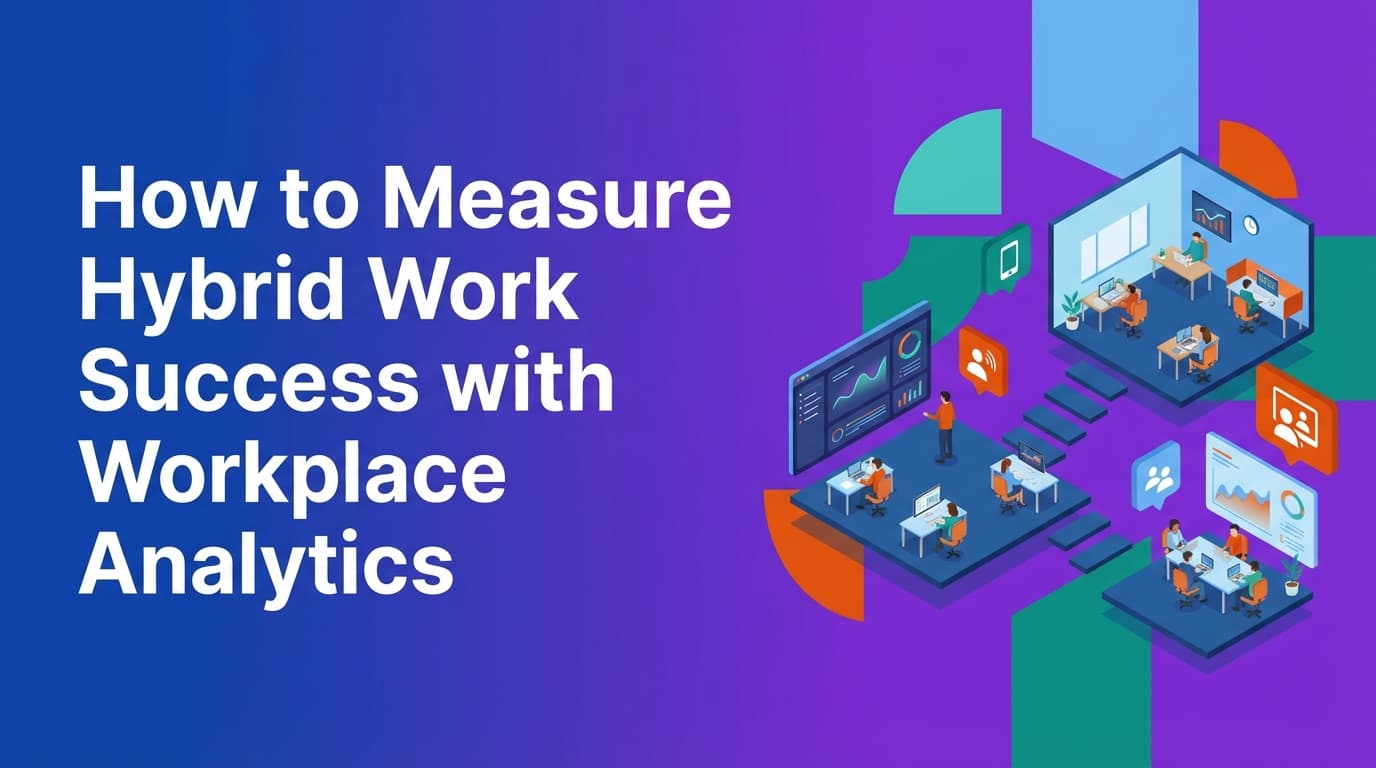
Workplace analytics provide the data needed to manage a hybrid office effectively. Most companies rely on calendar invites to guess how many people are in the building, but this data is often inaccurate because people frequently book spaces they do not use. Reliable analytics come from a unified operational system that tracks real check-ins across desks, rooms, and other resources. This guide explains how to move from calendar-based guesswork to audit-grade data that reflects how your office actually functions.
Why do traditional workplace metrics fail in a hybrid model?
The primary reason traditional metrics fail is the "ghost booking" phenomenon. In a legacy environment, a facility manager looks at a room booking software or an Outlook calendar and sees a 90% occupancy rate. However, a walk through the floor reveals that half the desks are empty. Because these systems lack enforcement mechanisms, there is no consequence for a no-show.
When your data model is built on assumptions rather than check-ins, your workplace analytics are compromised. You might believe you need more real estate when you actually need better policy enforcement. Relying on "intent to visit" rather than "actual attendance" leads to expensive mistakes in lease renewals and office design.
Another failure point is the fragmentation of data. Many organizations use one tool for desk booking, another for meeting rooms, and a third for visitor management. Because these tools do not share a single data model, it is nearly impossible to see the full lifecycle of a workplace visit. A unified system treats every resource—whether it is a desk, a parking spot, or a lab bench—as an object with the same logic for availability, rules, and capacity.
How can you track real office utilization?
Real utilization is tracked through verified check-ins. This is the difference between a reservation and a presence. To get an accurate picture of office usage, the system must require an action that confirms the user is physically present at the resource they booked.
Because WOX uses a unified policy engine, you can implement check-in requirements as executable rules. For example, if an employee does not check into their desk within 20 minutes of their start time, the system can automatically release that desk back into the available pool. This creates two valuable data points: the original intent (the booking) and the operational truth (the check-in or the auto-release).
Beyond desks and rooms, utilization tracking should be resource-agnostic. A modern workplace includes lockers, phone booths, and specialized equipment. If your analytics tool is hardcoded only to desks, you miss a significant portion of what makes the office functional. Modeling any resource with capacity and rules allows facilities teams to see how different types of spaces are used throughout the day.
What are the most important workplace analytics for hybrid work?
To measure success, you need to look at metrics that drive operational decisions. These metrics should be derived from a system that handles recurrence, edits, and cancellations at scale to ensure the data remains clean.
Peak vs. average occupancy
Average occupancy tells you how much space you use on a typical day, but peak occupancy tells you if your office will break on a Wednesday. If your average occupancy is 40% but your peak is 95%, you cannot reduce your real estate footprint without changing your scheduling policies.
No-show and auto-release rates
This metric identifies the gap between planned and actual usage. A high no-show rate indicates that your current hybrid policy is not being followed or that your booking process is too frictionless, allowing people to "hoard" desks they don't intend to use. Tracking how many desks are released by the system allows you to quantify wasted capacity.
Resource density and popularity
By using self-service spatial modeling, operations teams can change layouts and immediately see how those changes affect usage. You might find that desks near windows have 90% utilization while desks in the center of the floor have 20%. This data allows you to redesign the office based on employee behavior rather than aesthetic preference.
Policy compliance
If you have a policy that employees must be in the office three days a week, your analytics should show who is meeting that requirement based on check-ins, not just badge swipes at the front door. Badge data tells you they entered the building; check-in data tells you they actually used the workspace.
Where do legacy booking tools fall short?
Traditional booking tools were designed for a world where the office was the default. They act as "layers" on top of a calendar. This approach creates several problems for data integrity.
| Feature | Legacy Calendar-Based Tools | Unified Operational Systems (WOX) |
|---|---|---|
| Data Source | Calendar invites and "assumed" usage | Verified check-ins and enforcement logs |
| Resource Types | Hardcoded desks and rooms | Resource-agnostic (any item with capacity) |
| Policy Application | Manual monitoring and "nudges" | Executable rules (auto-release, limits) |
| Spatial Data | Static CAD files or vendor-managed maps | Self-service modeling by ops teams |
| Governance | Localized or per-feature controls | Centralized SCIM and role-based access |
Legacy tools often struggle with "Reliable Calendar Sync." If an employee deletes a recurring meeting in Outlook, the room booking tool might not receive the update, leading to a room that stays "booked" in the system but empty in reality. A system that manages the entire lifecycle of the resource—from the initial sync to the final check-out—prevents these data silos from forming.
How does policy enforcement improve data accuracy?
Data is only as good as the behavior that generates it. If there is no requirement to check in, people will not do it, and your utilization data will be based on guesses.
Because WOX implements policies as executable rules, the data generated is "audit-grade." When a policy is enforced at the software level—such as preventing a user from booking more than three days a week or requiring a check-in to keep a reservation—the resulting data reflects actual human behavior within the guardrails of the organization.
For example, if you implement a "merged resource" logic where a large conference room can be booked as two smaller rooms, a unified system tracks the utilization of both the parent and child resources correctly. This prevents the "double-counting" of space that often plagues manual reporting.
How to use analytics to optimize your real estate footprint
The ultimate goal of workplace analytics is often to save money on real estate. However, cutting floor space without data is a risk to employee productivity.
- Identify underutilized zones: Use spatial modeling to see which areas of the office are consistently avoided. Instead of renewing the lease on the whole floor, you might realize you only need the "popular" half.
- Flatten the peak: If your data shows a massive spike on Tuesdays and Wednesdays, use your policy engine to distribute demand. You can limit bookings on peak days for certain departments, forcing a more even distribution across the week.
- Validate flexible seating ratios: Analytics will tell you exactly how many people share a single desk over a month. If your ratio is 1:1, but your peak occupancy is 50%, you can move to a 2:1 ratio with confidence.
- Automate governance: Use SCIM and role-based controls to ensure that only the right people can book expensive or specialized resources. This ensures that utilization data for a "Lab Bench" or "Executive Suite" isn't skewed by unauthorized users.
How to implement a data-driven hybrid work strategy
Moving to a data-driven model requires a shift from "viewing" the office to "operating" it.
Step 1: Define your operational truth
Decide what counts as a "visit." Is it a badge swipe? A desk check-in? A room reservation? For the highest data integrity, a desk check-in is the gold standard because it confirms the employee is utilizing a specific asset.
Step 2: Centralize your data model
Eliminate point solutions. Ensure that your desks, rooms, visitors, and parking are all managed in one system. This allows you to see the "lifecycle" of a visit. For example, you can see that an employee booked a parking spot, checked into a desk, and then hosted two visitors in a meeting room.
Step 3: Enable self-service modeling
Your office layout will change. If you have to call a vendor every time you move a desk or turn a storage room into a phone booth, your data will quickly become outdated. Use a system that allows your facilities team to update the spatial model in real-time.
Step 4: Enforce the rules
Set up auto-release for no-shows. Implement booking limits based on your hybrid policy. When the system enforces these rules, the data it produces becomes a reliable record of what actually happened in the office.
Measuring success beyond the desk
Workplace analytics should also cover how employees interact with the broader office infrastructure. This includes visitor management and service requests. If your visitor management is part of the same unified system, you can see how guest traffic correlates with internal room usage.
High-quality analytics provide a "Unified Operational System" view. This means one data model and one policy engine across all activities. When you change a policy for a building in London, that change should propagate instantly across the data model, ensuring that your global reports are always comparing like-for-like information.
Learn more about Hybrid Work Guide
For comprehensive guidance, see our guide on hybrid work strategies and implementation.
Want to learn more about Hybrid Work?
Explore our complete guide with more articles like this one.