Hot Desking vs. Hoteling vs. Desk Sharing: What's the Difference?
"Hot desking, hoteling, and desk sharing are distinct seating strategies. Hot desking is for immediate use, hoteling allows for advance reservations, and desk sharing is the overarching category. This guide explains how to manage these models using check-in enforcement and real utilization data to optimize workplace operations. "

Hot desking, hoteling, and desk sharing are strategies used to manage unassigned seating in a hybrid office. While often used interchangeably, they represent different operational approaches to how employees access workplace resources. Effective management requires a system that moves beyond simple reservations to enforce policies and track real occupancy data. This guide explains the technical differences between these models and how to implement them to gain an accurate understanding of office utilization.
What is the difference between hot desking and hoteling?
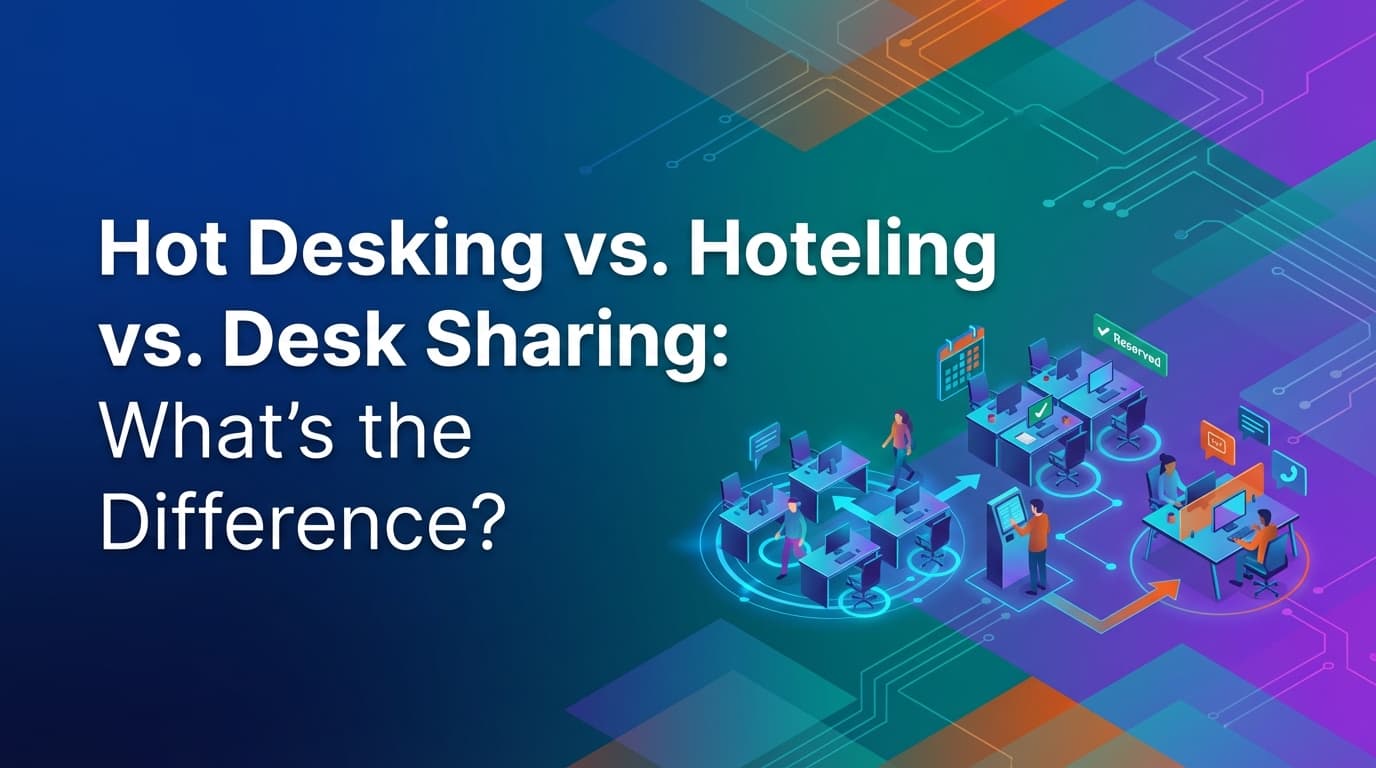
Hot desking is a seating arrangement where desks are available on a first-come, first-served basis for immediate use. Hoteling is a reservation-based system where employees book a specific desk in advance, similar to booking a hotel room. Desk sharing is the broad category that encompasses both of these methods, referring to any office setup where employees do not have a permanently assigned seat.
The primary distinction is the lead time and the level of predictability. Hot desking is spontaneous and often lacks a formal booking process, which can lead to uncertainty for employees arriving at the office. Hoteling provides more structure by allowing employees to secure a space before they leave home. For workplace operations teams, hoteling generates more data because every seat usage starts with a digital record.
How does hot desking work in a modern office?
In a traditional hot desking model, an employee walks into the office, finds an empty desk, and starts working. There is no prior reservation. In a modern, digitally managed office, hot desking is often supported by "on-the-spot" check-ins. An employee might scan a QR code at a desk to claim it for the next four hours.
Because hot desking is fluid, it is difficult to manage without a unified operational system. Without a way to track who is sitting where in real-time, facilities teams cannot know if a floor is actually at capacity or if people are simply spread out. When hot desking is integrated into a broader workplace platform, the system can enforce "free time" logic. This means a desk is only marked as available if it hasn't been reserved via a hoteling request for later in the day.
What are the requirements for effective office hoteling?
Hoteling requires a system that can handle complex booking logic and policy enforcement. It is not enough to simply have a map where people click a desk. To be effective, the system must manage the entire lifecycle of the booking, from the initial reservation to the final check-out.
Effective hoteling relies on these core elements:
- Check-in enforcement: Reservations must be confirmed upon arrival. If an employee does not check in within a specific window—for example, 20 minutes—the system should automatically release the desk so someone else can use it.
- Neighborhood or zone rules: Operations teams often need to restrict certain desks to specific departments. A unified policy engine allows you to set these rules so that only the engineering team can book desks in the engineering zone.
- Multi-modal booking logic: The system should support different types of availability. Some desks might be available for full-day bookings, while others are split into morning and afternoon slots.
- Reliable calendar synchronization: If an employee cancels a meeting in their primary calendar, the associated desk reservation should update accordingly to prevent "ghost" bookings.
Why do traditional booking tools fail at desk management?
Most desk booking tools are built as simple overlays for digital calendars like Outlook or Google Calendar. They treat a desk as a calendar event rather than a physical resource with operational constraints. This approach fails because calendars are built on assumptions, not truth.
When a system relies solely on calendar data, it cannot distinguish between a "booked" desk and a "used" desk. If an employee books a desk for five days but only shows up for two, a calendar-based tool will report 100% utilization. This leads to poor real estate decisions. Because WOX uses a unified data model that requires a physical or digital check-in, it provides audit-grade data. You see exactly who was in the office and for how long.
Another common failure point is the inability to handle complex resource relationships. Traditional tools often treat desks and meeting rooms as separate entities with different rules. A workplace operations infrastructure models everything—desks, lockers, parking spots, and even laboratory equipment—using the same policy engine. This allows for merged resources, where booking a specific desk might also trigger the reservation of a nearby locker automatically.
How can you track real office utilization?
Real utilization is measured by actual presence, not by the number of reservations made in an app. To get an accurate picture, you must implement a system that enforces check-ins and tracks the duration of stay. This data is the "operational truth" of the workplace.
By using a system that implements policies as executable rules, you can automate the data collection process. For example, if your policy requires employees to check out when they leave, the system can track the exact number of hours a desk was occupied. If check-outs are frequently forgotten, sensors or network-based triggers can be integrated to close the loop.
This data is vital when a company considers reducing its office footprint or redesigning a floor. If the data shows that "hot desks" are only used for two hours at a time while "hotelable" desks are occupied for eight hours, the facilities team can adjust the ratio of spontaneous to reserved seating to better match employee behavior.
What is the role of self-service spatial modeling?
Workplace needs change frequently. An area that was a quiet zone last month might need to become a collaborative project space this month. In many organizations, changing the office layout in a booking tool requires a vendor or a CAD specialist to upload new files.
Self-service spatial modeling allows workplace operations teams to make these changes themselves. You can drag and drop desks, change their properties from "hot desk" to "hotelable," or adjust the capacity of a zone instantly. Because the system is resource-agnostic, these changes propagate across the entire platform. If you move a desk from one department's zone to another, the booking permissions and policies update immediately without needing to rewrite the underlying rules.
How do you implement enterprise governance without friction?
Managing a hybrid office at scale requires strict governance that doesn't slow down the employee. This is achieved through deep integration with enterprise systems like SCIM (System for Cross-domain Identity Management) and role-based access controls.
When a new employee is hired and added to the company's identity provider, the workplace system should automatically assign them to the correct office location and department zone. Their booking permissions should be defined by their role. For example, a senior director might have the ability to book desks two weeks in advance, while an intern might be limited to 48 hours.
By building these controls into the core of the system, you ensure that policies are followed without requiring manual intervention from managers. The system becomes the enforcer of the rules, allowing the operations team to focus on strategy rather than policing desk usage.
What are the best practices for transitioning to desk sharing?
Moving from assigned seating to a shared model is a significant cultural shift. Success depends on clear communication and reliable technology that prevents "desk friction"—the frustration of not knowing where to sit or finding someone else in a booked spot.
To ensure a smooth transition:
- Define your terminology: Be clear about whether you are using hot desking, hoteling, or a mix of both. Ensure employees understand how to use the system.
- Start with a pilot: Apply the new model to one floor or department first. Use the utilization data from this pilot to refine your policies before a full rollout.
- Use a check-in window: Implement a 15 or 30-minute window for employees to claim their reserved desks. This prevents space from being wasted by no-shows.
- Provide variety: A shared office should offer different types of spaces—quiet zones, collaborative areas, and standing desks. Use your spatial modeling tools to adjust the mix based on how people actually work.
- Automate the boring parts: Use SCIM to manage users and automated reports to track utilization. The less manual work your team has to do, the more effective the system will be.
The goal of any desk sharing strategy is to make the office a resource that supports work, rather than a source of stress. When you treat the workplace as infrastructure, you create an environment that is predictable for employees and measurable for the business.
Learn more about Desk Booking Guide
For comprehensive guidance, see our guide on desk booking and hot desking solutions.
Want to learn more about Desk Booking?
Explore our complete guide with more articles like this one.