Interactive Office Maps: Why They Increase Desk Booking Adoption
"Interactive office maps increase desk booking adoption by providing spatial context that list-based systems lack. When employees can see where teammates sit or find desks near specific amenities, they are more likely to use the booking system. This guide explains how to implement maps that sync with real-time occupancy data and policy enforcement rules. "

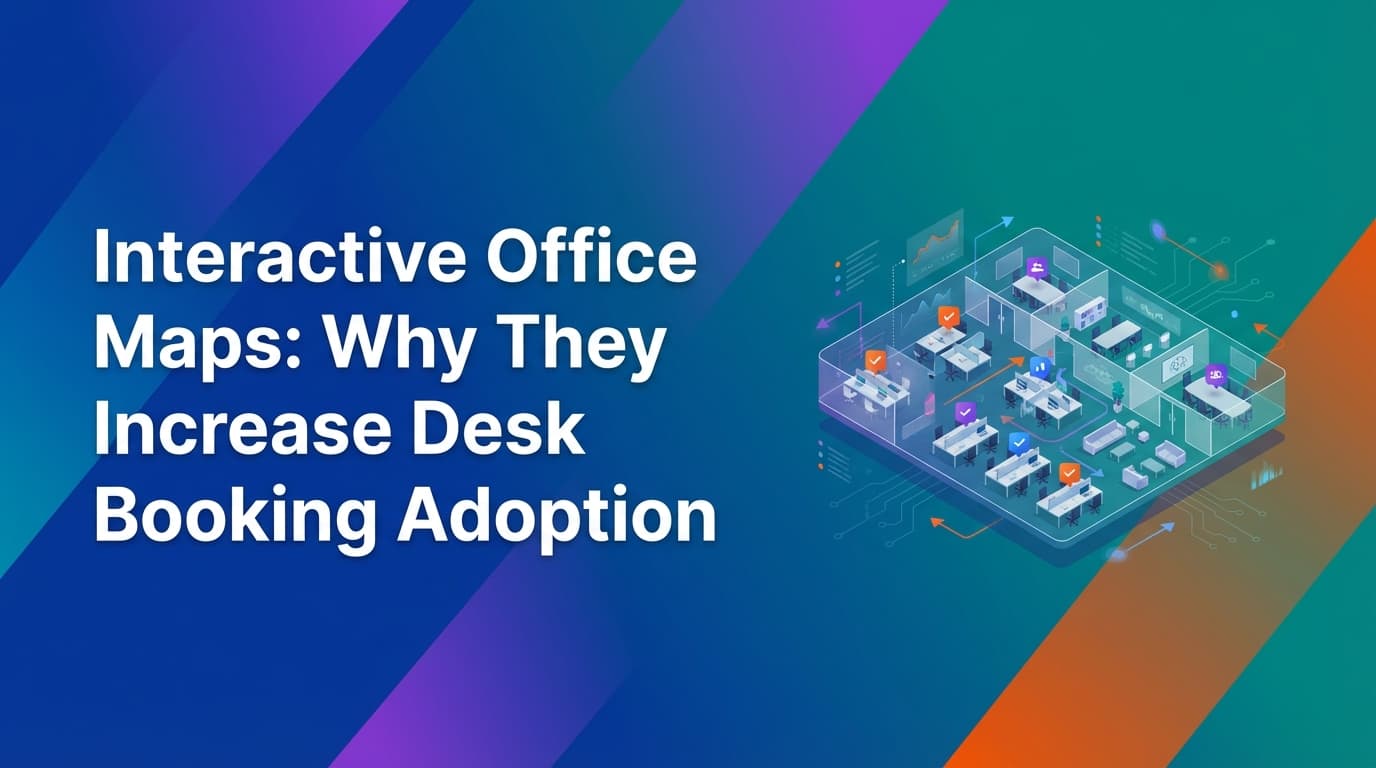
Interactive office maps increase desk booking adoption by removing the ambiguity of list-based reservation systems. Most employees refuse to use booking tools because they cannot visualize where a desk is located or who is sitting nearby. By integrating a visual floor plan that reflects real-time occupancy and enforced check-in data, organizations provide the spatial context necessary for a functional hybrid workplace. WOX provides this operational truth by linking spatial models directly to a unified policy engine, ensuring that what employees see on the map matches the actual state of the office.
Why do employees struggle with list-based desk booking?
The primary reason desk booking adoption fails is a lack of environmental context. In a list-based system, an employee sees "Desk 402" and "Desk 405." Without a map, they have no way of knowing if those desks are next to a window, under an air conditioning vent, or near their immediate team.
This uncertainty leads to "ghost bookings" or employees simply ignoring the system and sitting wherever they want. When people ignore the booking tool, facilities teams lose their only source of utilization data. Because WOX uses a unified data model, the map is not just a static image; it is a live representation of the office's operational state. If the system shows a desk is available, the employee knows it is actually vacant because the system enforces check-ins and auto-releases no-shows.
List-based systems also fail to account for the social aspect of work. Hybrid work is often driven by the desire to collaborate. If an employee cannot see where their manager or project peers are sitting, the incentive to book a specific desk disappears. Maps solve this by layering employee identity over spatial coordinates.
How do interactive office maps improve the booking experience?
Interactive maps improve the booking experience by reducing the cognitive load required to make a decision. Instead of cross-referencing a spreadsheet or a mental model of the office, employees can filter the map by department, amenity, or proximity to colleagues.
When a map is powered by a reliable calendar sync, it handles recurrence and edits at scale. If a team lead books a block of desks for every Tuesday, that information propagates across the spatial model instantly. Employees viewing the map for next Tuesday see those desks as occupied, preventing double-bookings and the friction of "desk poaching."
Furthermore, interactive maps allow for multi-modal booking logic. An organization might have some desks that are "shared" (available for anyone) and others that are "exclusive" (reserved for a specific department). A visual map makes these distinctions clear through color-coding or icons. Because WOX is resource-agnostic, these maps can include anything with availability and capacity—parking spots, lockers, or even specialized lab equipment—all within the same interface.
What is the difference between static floor plans and operational maps?
A static floor plan is a digital image, often an exported CAD file, that shows where walls and furniture are located. An operational map is a live data layer that connects the physical office to the organization's governance rules and real-time usage.
Static plans are difficult to maintain. If a facilities team moves three desks to create a breakout space, they usually have to wait for a vendor or a CAD specialist to update the file. This delay creates a mismatch between the app and the office, which kills user trust.
WOX uses self-service spatial modeling to solve this. Workplace operations teams can change layouts, add resources, or adjust capacities directly within the platform without needing external files. This ensures the map stays accurate as the office evolves. When the spatial model is accurate, the data generated by the system becomes audit-grade. You are no longer guessing how many people use a floor; you are seeing the exact coordinates of every check-in.
Where traditional booking tools fall short
Traditional desk booking tools often function as simple overlays on top of a calendar. They lack the deep infrastructure required to manage a complex enterprise environment.
- Assumption-based data: Many tools assume that if a desk is booked, it is occupied. They do not require check-ins or integrate with physical sensors. This leads to "zombie offices" where the software says the building is full, but the floor is empty.
- Rigid resource types: Most tools are hardcoded for "desks" and "rooms." They cannot easily model a "shared bench" or a "flexible zone" that changes capacity based on the time of day.
- Manual policy enforcement: Traditional tools might let you set a rule, but they don't necessarily execute it. If a policy says "no more than 3 days a week," a basic tool might just send an email alert. A system like WOX implements policies as executable rules—the system simply prevents the booking from happening if it violates the policy.
- Fragile calendar integrations: Basic tools often struggle with recurring meetings or bulk edits, leading to desynchronization between Outlook/Google Calendar and the booking app.
By moving away from these point solutions toward a unified operational system, organizations ensure that their office map is a reflection of reality rather than a list of intentions.
How to implement interactive maps for desk booking
Implementing an interactive map requires more than just uploading a PNG of your office. It involves connecting your physical space to your digital identity and policy frameworks.
1. Establish the spatial model
Start by defining the boundaries of your office. This includes buildings, floors, and zones. Use self-service tools to place desks, meeting rooms, and other resources onto the map. Because WOX is resource-agnostic, you should map anything that requires a reservation, including phone booths or standing desks.
2. Connect identity and governance
Integrate the system with your directory via SCIM or SSO. This allows the map to show who is sitting where and applies role-based access controls. For example, you can restrict certain zones on the map so only the HR team can book them. This governance is built into the core of the system, so it works without adding friction to the user experience.
3. Define the booking logic
Decide how different resources behave. Some might be slot-based (9 AM to 1 PM), while others are full-day. You can also implement merged resources, where booking a specific "pod" automatically blocks out the individual desks within it. This multi-modal logic ensures that the map accurately reflects capacity at all times.
4. Enable check-in enforcement
To maintain the integrity of the map, you must enforce check-ins. This can be done via QR codes at the desk, mobile geofencing, or integration with Wi-Fi logs. When an employee checks in, their status on the map should change to "occupied." If they don't check in within 15 minutes, the desk should turn "available" on the map for others to use.
How does spatial data improve workplace operations?
The data generated by an interactive map is far more valuable than a simple count of reservations. Spatial data shows you the "heat" of the office—which zones are popular and which are ignored.
If the map shows that desks near the windows are always at 90% utilization while the center of the floor is at 10%, you have actionable evidence to redesign the space. You might replace the unpopular desks with collaboration hubs or quiet zones.
Because WOX provides a unified lifecycle across all activities, this data is not siloed. You can see how desk usage correlates with meeting room demand or visitor traffic. This operational truth allows leadership to make confident decisions about real estate, such as whether to renew a lease or consolidate floors. Without the spatial context of a map, this data is much harder to interpret and act upon.
What features should an enterprise office map include?
An enterprise-grade map needs to handle the complexity of thousands of employees across multiple global locations. It is not just about looking good; it is about functioning as a piece of infrastructure.
- Live occupancy status: The map must update instantly when a check-in or cancellation occurs.
- Neighbor finding: Employees should be able to search for a teammate and see their booked location on the map.
- Filterable layers: Users should be able to toggle views for different amenities, such as "dual monitors," "standing desks," or "near the elevator."
- Multi-location governance: Facilities managers should be able to manage maps for a London office and a New York office from a single pane of glass, applying different local policies to each.
- Mobile-first design: Most employees will use the map while walking through the office. The interface must be responsive and fast on mobile devices.
The role of SCIM and role-based controls in spatial mapping
Security and privacy are often overlooked in desk booking. An interactive map displays where people are, which is sensitive information. Using SCIM (System for Cross-domain Identity Management) ensures that when an employee leaves the company, their access to the map and their ability to book resources is revoked instantly.
Role-based controls allow you to manage who can see what. You might want the entire company to see where their colleagues are, but you might want to hide the specific desk locations of executive leadership. A unified operational system allows you to build these permissions into the core data model, so the map behaves differently for different users based on their role in the organization.
Practical steps to increase adoption
If you have already deployed a booking tool but adoption is low, the issue is likely a lack of trust in the data. Employees will stop using a tool if they book a desk, arrive at the office, and find someone else sitting there.
To fix this:
- Audit your map accuracy: Walk the floor and ensure every desk on the screen exists in the physical world. Use self-service spatial modeling to fix any discrepancies immediately.
- Turn on auto-release: Set a policy that releases any desk if the person hasn't checked in within 20 minutes. This ensures the map is always "truthful."
- Communicate the "why": Explain to employees that the map helps them find their friends and ensures they have the equipment they need.
- Simplify the booking flow: If it takes more than three taps on a mobile screen to book a desk from the map, people won't do it.
By focusing on operational truth and enforcement, the map becomes a reliable tool that employees actually want to use, rather than a bureaucratic hurdle.
Learn more about Desk Booking Guide
For comprehensive guidance, see our guide on desk booking and hot desking solutions.
Want to learn more about Desk Booking?
Explore our complete guide with more articles like this one.