Workplace Amenities That Actually Drive Office Attendance
"Workplace amenities drive office attendance when they solve specific friction points like desk availability, quiet zones, and team coordination. This guide identifies which investments yield actual utilization data and how to manage them using operational rules rather than assumptions. "

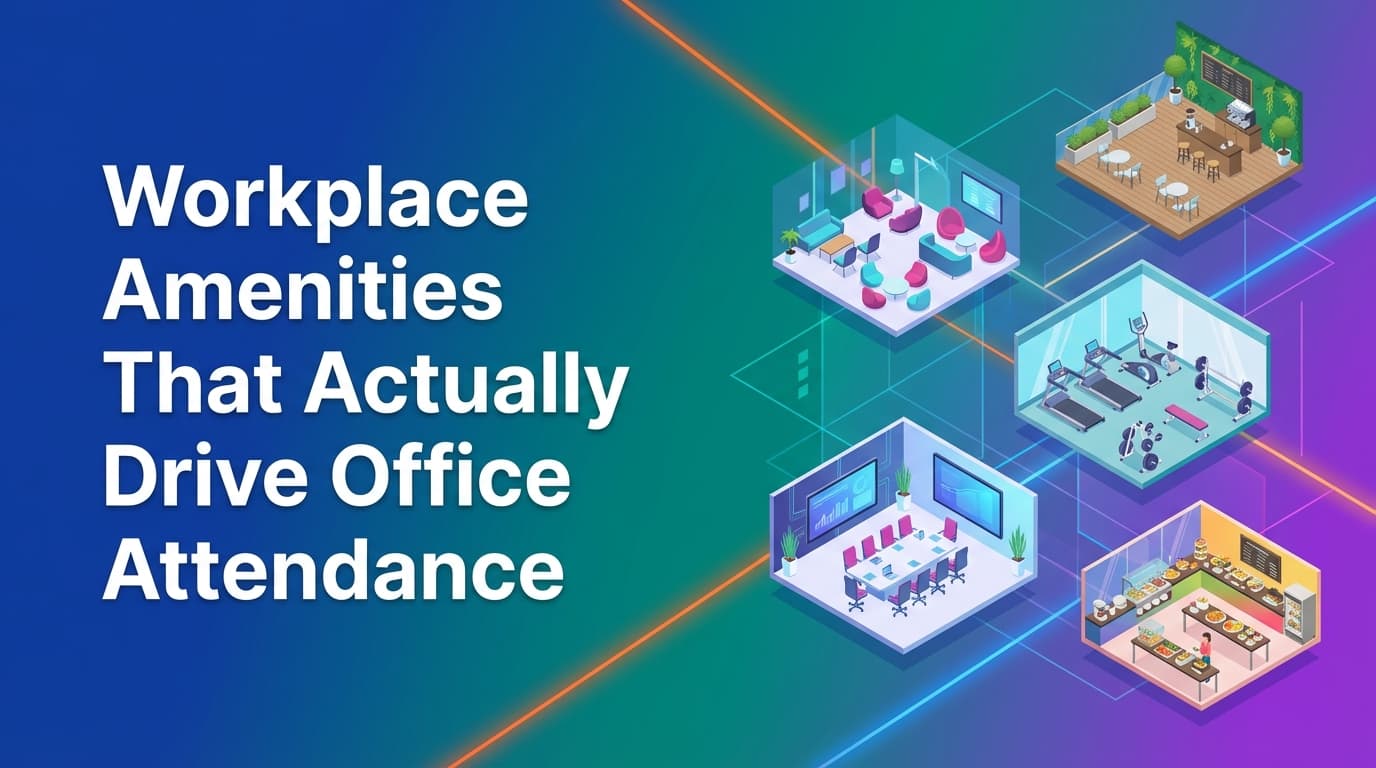
Workplace amenities drive office attendance when they provide a functional advantage that employees cannot replicate at home. High-speed connectivity, ergonomic workstations, and specialized collaboration spaces are the primary drivers of occupancy. Unlike basic booking tools that rely on calendar invites, workplace operations infrastructure like WOX tracks actual check-ins to show which resources are used, helping facilities teams move away from perks that look good in brochures but remain empty in practice.
What amenities are most effective for driving office attendance?
The most effective amenities are those that reduce the "commute tax"—the feeling that the effort of going to the office outweighs the benefits. Employees generally return to the office for two reasons: access to superior tools and the ability to collaborate without digital friction.
Key amenities include:
- Ergonomic hardware: Dual monitors, mechanical keyboards, and height-adjustable desks.
- Deep work zones: Soundproof pods or "library" zones where talking is prohibited.
- Project war rooms: Spaces where physical materials can be left out over multiple days.
- Commute support: Guaranteed parking, secure bike storage, and high-quality shower facilities.
When these resources are managed through a unified operational system, they become reliable. An employee is more likely to commute if they know a specific height-adjustable desk with a 34-inch monitor is reserved and waiting for them, enforced by a system that prevents double-booking or "squatting."
Why do high-end perks often fail to increase occupancy?
Many organizations invest in "soft" amenities like ping-pong tables, catered lunches, or meditation rooms, only to find they have little impact on long-term attendance. These perks fail because they do not solve the core problems of the hybrid workday: noise, lack of privacy, and the difficulty of finding teammates.
A catered lunch might bring people in on a Wednesday, but it does not facilitate a better work output. Furthermore, if the office is so crowded that people cannot find a quiet place to take a call, the free lunch is overshadowed by a drop in productivity.
Operational data often shows that "social" spaces have the lowest utilization rates during peak work hours. Because WOX uses a unified data model across all activities, facilities managers can see the delta between "booked" time and "actual" time. If a meditation room is booked for four hours but the sensor or check-in data shows zero occupancy, that square footage is a candidate for conversion into something more functional, like a private phone booth.
How does resource-agnostic booking improve the employee experience?
Traditional workplace software is often hardcoded to handle only desks and meeting rooms. This is a limitation because the modern office contains dozens of other valuable resources that require management.
Resource-agnostic booking allows operations teams to model anything with availability and capacity. This includes:
- Parking stalls: Reducing the anxiety of the morning commute.
- Lockers: Allowing employees to leave equipment at the office.
- Specialized equipment: Lab benches, 3D printers, or podcasting kits.
- Focus booths: Individual pods that are too small to be "rooms" but too valuable to be unmanaged.
Because WOX treats all these as resources within one policy engine, an employee can book a desk, a monitor upgrade, and a parking spot in a single flow. This creates a predictable environment. When the system enforces check-ins for these resources, it ensures that a "booked" locker is actually being used. If no check-in occurs, the resource is released back to the pool, maximizing the utility of the office's physical assets.
Where traditional booking tools fall short
Most companies rely on "calendar-first" systems like Outlook or Google Calendar to manage their office. These tools were built for scheduling time, not managing physical space. This leads to several operational failures:
- The "Ghost" Resource: A room or desk is reserved on the calendar, but the person stays home. The space remains "occupied" in the system, preventing others from using it.
- Lack of Policy Enforcement: Calendar tools cannot easily enforce rules like "only engineering can book these desks" or "you can only book two days in advance."
- Inaccurate Data: Facilities teams see a 90% booking rate and think they need more space, while actual occupancy is only 40%.
- Static Modeling: Changing a floor plan in a traditional system often requires a vendor or a new CAD file upload.
WOX addresses these gaps by implementing policies as executable rules. If a company wants to drive attendance by ensuring teams sit together, they can implement "neighborhood" rules. These aren't just suggestions; the system prevents an employee from booking a desk outside their assigned zone unless specific conditions are met. This ensures that the "amenity" of sitting with your team is actually delivered.
How to use utilization data to optimize office layouts
To drive attendance, the office must evolve based on how people actually work. This requires audit-grade data. Most systems provide "assumed utilization" based on reservations. WOX provides "actual utilization" by requiring check-ins and integrating with occupancy sensors or Wi-Fi logs.
When you have reliable data, you can make evidence-based changes to your amenities:
- Identify underused zones: If a specific wing of the office has low check-in rates despite high bookings, it may have poor lighting, bad Wi-Fi, or inadequate HVAC.
- Validate equipment ROI: If desks with dual monitors are booked 30% more often than those with single monitors, the ROI for upgrading the rest of the office is clear.
- Adjust room ratios: Data might show that 8-person boardrooms are consistently used by only 2 people. This is a signal to split those rooms into smaller, high-demand focus rooms.
Self-service spatial modeling allows ops teams to make these changes in the system instantly. If a team decides to turn a lounge area into a dedicated project zone, they can update the map and the booking rules in WOX without waiting for an external consultant.
What is the impact of neighborhood-based seating on attendance?
One of the biggest complaints about hybrid work is "going to the office just to sit on Zoom calls all day." Attendance increases when employees know their colleagues will be there.
Neighborhood-based seating is an amenity in itself. It provides the social benefit of the office without the chaos of a completely open floor plan. By using multi-modal booking logic, WOX allows organizations to balance shared vs. exclusive resources.
- Shared: Anyone in the company can book.
- Exclusive: Only the marketing team can book in "Zone A."
- Merged: Desks are exclusive until 10:00 AM, after which they become shared.
This level of control ensures that when an employee makes the effort to come in, they are rewarded with the proximity to their team that they expected.
How can you implement policy-based amenities?
Policy enforcement is what separates workplace operations from simple desk booking. To drive attendance, you must ensure that the most popular amenities are distributed fairly and used efficiently.
Examples of automated policy enforcement in WOX:
- Lead-time restrictions: Preventing "squatters" from booking the best window desks months in advance.
- Check-in windows: If an employee doesn't check into their desk or focus booth within 20 minutes of the start time, the reservation is canceled and the resource is made available to others.
- Capacity limits: Automatically capping occupancy for specific zones to ensure a comfortable work environment.
- Role-based access: Ensuring that high-value resources, like a video editing suite, are available only to the roles that require them.
These rules propagate instantly across the entire system. Because there is one data model for all locations and resources, a global policy change can be implemented in seconds, ensuring enterprise governance without creating friction for the end-user.
Improving the office experience through reliable calendar sync
Nothing frustrates an employee more than showing up for a reserved meeting room only to find someone else in it because of a sync error. Traditional tools often struggle with recurring meetings, edits, and cancellations at scale.
A reliable calendar sync is a foundational amenity. WOX handles the complexity of recurrence and conflicts by acting as the source of truth for the physical space. If a meeting is canceled in Outlook, the room is released in WOX instantly. If a meeting is shortened, the system updates the availability. This level of reliability ensures that the "amenity" of a private meeting space is actually available when promised.
Moving from perks to workplace operations
Driving office attendance is not about adding more "stuff" to the office; it is about making the office a more reliable and productive place to work than the home. This requires a shift from managing perks to managing operations.
When you treat the office as infrastructure, you focus on:
- Predictability: Knowing that a desk and a parking spot will be available.
- Functionality: Providing hardware and quiet spaces that improve output.
- Coordination: Ensuring teams can sit together without manual effort.
- Accuracy: Using real utilization data to constantly refine the workspace.
The next step for workplace leaders is to audit their current "ghost" booking rates. Compare your calendar reservations against your actual badge-in or sensor data. The gap between those two numbers is your opportunity to improve the office experience.
Learn more about Hybrid Work Guide
For comprehensive guidance, see our guide on hybrid work strategies and implementation.
Want to learn more about Hybrid Work?
Explore our complete guide with more articles like this one.