How to Handle Desk Booking for Different Work Styles (Focus, Collab, Quiet)
"Effective desk booking requires more than just a reservation system. It needs policy enforcement and spatial modeling to support focus, collaboration, and quiet work. This guide explains how to use multi-modal booking logic and check-in enforcement to ensure employees find the right space while providing facilities teams with accurate utilization data. "

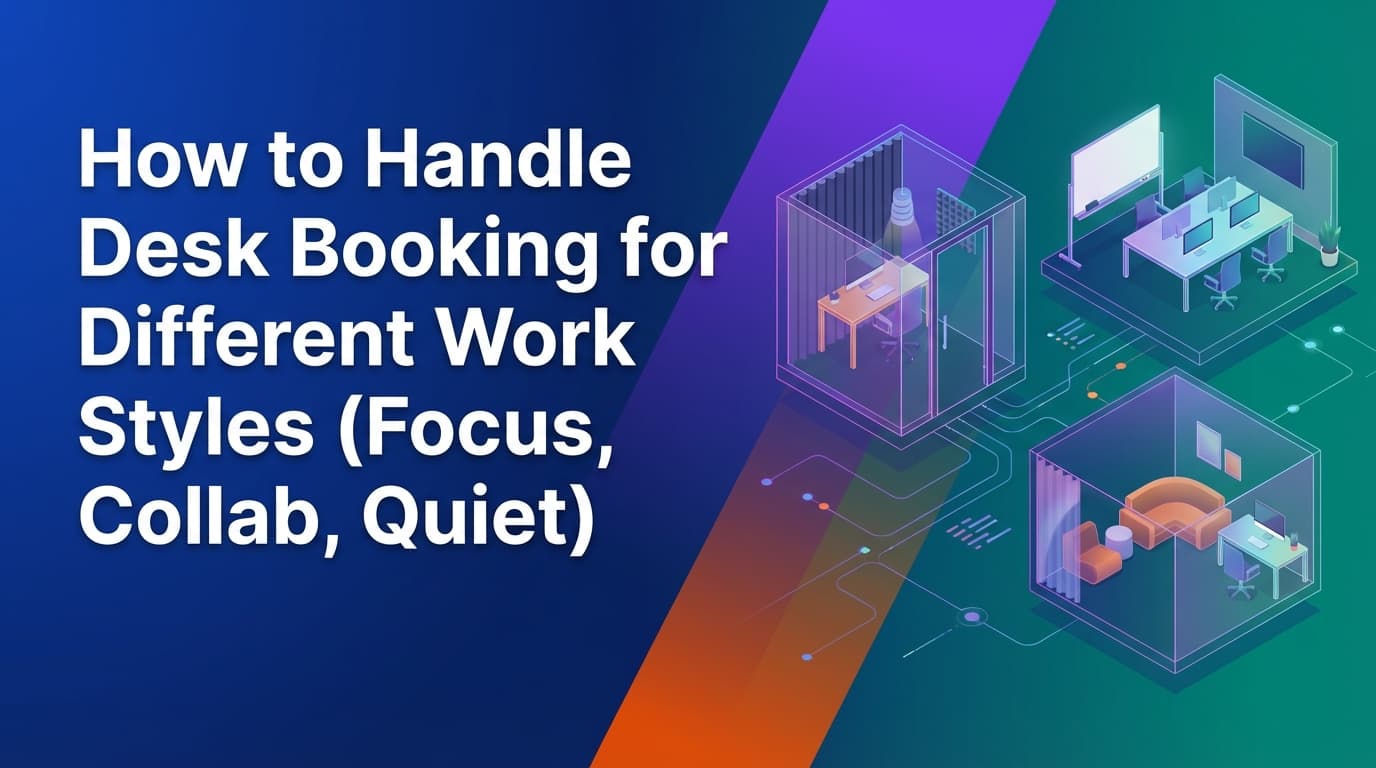
Desk booking software helps manage office space by aligning physical resources with how people actually work. In a hybrid office, employees come in for specific reasons: deep focus, team collaboration, or quiet administrative tasks. Unlike basic calendar tools, a unified workplace operations system tracks real usage through check-in enforcement. This ensures that a booked desk is an occupied desk, giving operations teams the data needed to optimize floor plans. This guide explains how to implement desk booking with policies that enforce themselves across different work styles.
Why do traditional desk booking systems fail different work styles?
Most desk booking tools are built as thin layers on top of digital calendars. They treat every desk as an identical unit on a map. This approach fails because it ignores the operational reality of how different departments use space. When a system relies on calendar assumptions, it creates a gap between what the software shows and what is happening on the floor.
One common issue is the "ghost booking." An employee reserves a desk for focus work but decides to stay home. Without check-in enforcement, that desk remains "unavailable" in the system all day, even though it is physically empty. This prevents other employees who actually came into the office from finding a place to work.
Another failure point is the lack of spatial context. A generic tool might allow an employee to book a desk in a designated "Quiet Zone" for a high-energy collaborative brainstorming session. Because these tools lack a unified policy engine, they cannot prevent conflicting work styles from occupying the same area. The result is a frustrated workforce and a workplace that feels disorganized despite having a booking tool in place.
How can you model office space for focus, collaboration, and quiet work?
To support different work styles, the workplace must be modeled as a collection of resources with specific attributes, rather than just a list of coordinates. Because WOX uses a resource-agnostic data model, operations teams can define what a space is and how it should behave.
Defining focus zones
Focus work requires stability and minimal distraction. In your spatial model, these desks should be categorized with attributes like "dual monitors," "height-adjustable," or "high-walled." You can then apply specific booking logic to these resources. For instance, you might allow full-day bookings only, preventing the disruption of people swapping seats every two hours in a concentrated area.
Setting up collaboration neighborhoods
Collaboration happens best when teams are clustered. Instead of booking individual desks, operations teams can use self-service spatial modeling to group desks into "neighborhoods." You can configure these areas to allow "neighbor booking," where a team lead can reserve a block of five desks for their department. This is managed through a single policy engine, ensuring that the Marketing team doesn't accidentally book over the Engineering team's dedicated pod.
Managing quiet and casual spaces
Quiet zones or "hot-to-trot" desks are often used for short durations between meetings. These can be modeled using slot-based booking logic. Unlike focus desks that might be reserved for 8 hours, quiet desks might be limited to 2-hour windows to increase turnover. Because the system is resource-agnostic, you can even model non-desk resources—like a single seat in a library-style room—using the same logic.
What is multi-modal booking logic?
Work styles are not just defined by the furniture; they are defined by time and access. Multi-modal booking logic allows workplace operations teams to merge different types of resources and rules into a single system.
In many offices, a desk is not just a desk. It might be a "shared" resource during the week but "exclusive" to a specific project team on Fridays. Traditional tools struggle with this because their logic is hardcoded. A unified system allows you to change the behavior of a resource without changing the resource itself.
For example, you can implement "merged resources." This means that when an employee books a focus desk, the system can automatically reserve a nearby locker for their belongings. If they cancel the desk, the locker is released. This ensures that the lifecycle of all workplace activities is managed in one place, preventing orphaned reservations that clutter the office.
How do you enforce workplace policies without adding friction?
Policy enforcement is often the most difficult part of workplace operations. If policies are just "guidelines" written in an employee handbook, they will be ignored. To be effective, policies must be executable rules within the booking system.
Automated check-ins and auto-release
The most effective way to ensure "operational truth" is to require a check-in. If an employee does not check into their focus desk within 20 minutes of their start time, the system should automatically release the reservation. This makes the desk immediately available for someone else. This isn't about being strict; it is about making sure the data reflects reality. When you look at a utilization report, you need to know who actually sat in the chair, not just who clicked "book" on their phone three days ago.
Role-based access and SCIM
Not every employee should be able to book every desk. You can use SCIM (System for Cross-domain Identity Management) to sync your company directory with the booking system. This allows you to apply role-based controls. You can set a rule that only the Design team can book desks in the "Creative Studio," or that interns can only book desks in "Zone B." Because this is built into the core governance of the system, these rules are enforced at the point of booking. An employee who doesn't have the right permissions simply won't see those desks as available.
Where traditional booking tools fall short
Organizations often start with a basic tool or a calendar plugin and quickly hit a ceiling. It is helpful to understand the specific areas where these point solutions fail as the organization grows.
| Feature | Traditional Booking Tools | Unified Operations Infrastructure |
|---|---|---|
| Data Source | Calendar assumptions (intent) | Check-in enforcement (reality) |
| Resource Types | Hardcoded to desks and rooms | Resource-agnostic (anything with capacity) |
| Policy Changes | Require vendor support or CAD files | Self-service spatial modeling |
| Governance | Manual overrides and "honor system" | Executable rules via SCIM and RBAC |
| Integration | Surface-level API connections | Unified data model across all activities |
Calendar-based systems cannot handle the complexity of a 500-person office with varying work styles. They lack the ability to model the relationship between different resources. If you move a desk in the physical office, you usually have to wait for a vendor to update the digital map. With self-service modeling, the operations team can move a desk from a "Collaboration Zone" to a "Focus Zone" in the software and have the new booking policies apply instantly.
How does real utilization data improve workplace planning?
The ultimate goal of managing different work styles is to understand how much of each space you actually need. Most companies over-provision collaboration space and under-provision quiet space, or vice versa, because they rely on anecdotal evidence.
Because a unified system enforces check-ins, it generates audit-grade data. You can see that while the "Collaboration Zone" is 90% booked every Tuesday, the actual check-in rate is only 40%. This suggests that teams are booking the space "just in case" but not using it.
On the other hand, you might find that the "Quiet Zone" has a 100% check-in rate and a long waiting list. This is a clear signal that you should reconfigure some of your underutilized collaboration space into more focus-oriented desks. You can make these layout changes yourself using spatial modeling tools, ensuring the office evolves alongside the team's needs.
Setting up your desk booking lifecycle
To successfully handle different work styles, follow these operational steps:
- Audit your resources: Identify which desks are suited for focus, quiet, or collaborative work based on physical attributes (monitors, location, noise levels).
- Define your attributes: Map these resources in your system using a resource-agnostic model. Don't just call them "desks"; call them "Focus Station" or "Team Pod."
- Apply multi-modal logic: Decide which areas need full-day bookings and which should be slot-based.
- Configure governance: Use SCIM to group employees and restrict access to certain zones based on their department or work style needs.
- Enable enforcement: Set up auto-release triggers for no-shows. This is the only way to ensure your utilization data is accurate.
- Review and iterate: Use the check-in data to identify which work styles are underserved and adjust your spatial model accordingly.
By focusing on the operational truth of how space is used, rather than just the convenience of booking it, you create a workplace that actually supports the people inside it.
Learn more about Desk Booking Guide
For comprehensive guidance, see our guide on desk booking and hot desking solutions.
Want to learn more about Desk Booking?
Explore our complete guide with more articles like this one.